Convert STEP to STL on your Mac
Turn a STEP or STP CAD file into a clean, watertight STL mesh in one click — locally on your Mac, with no web upload and no heavyweight CAD.
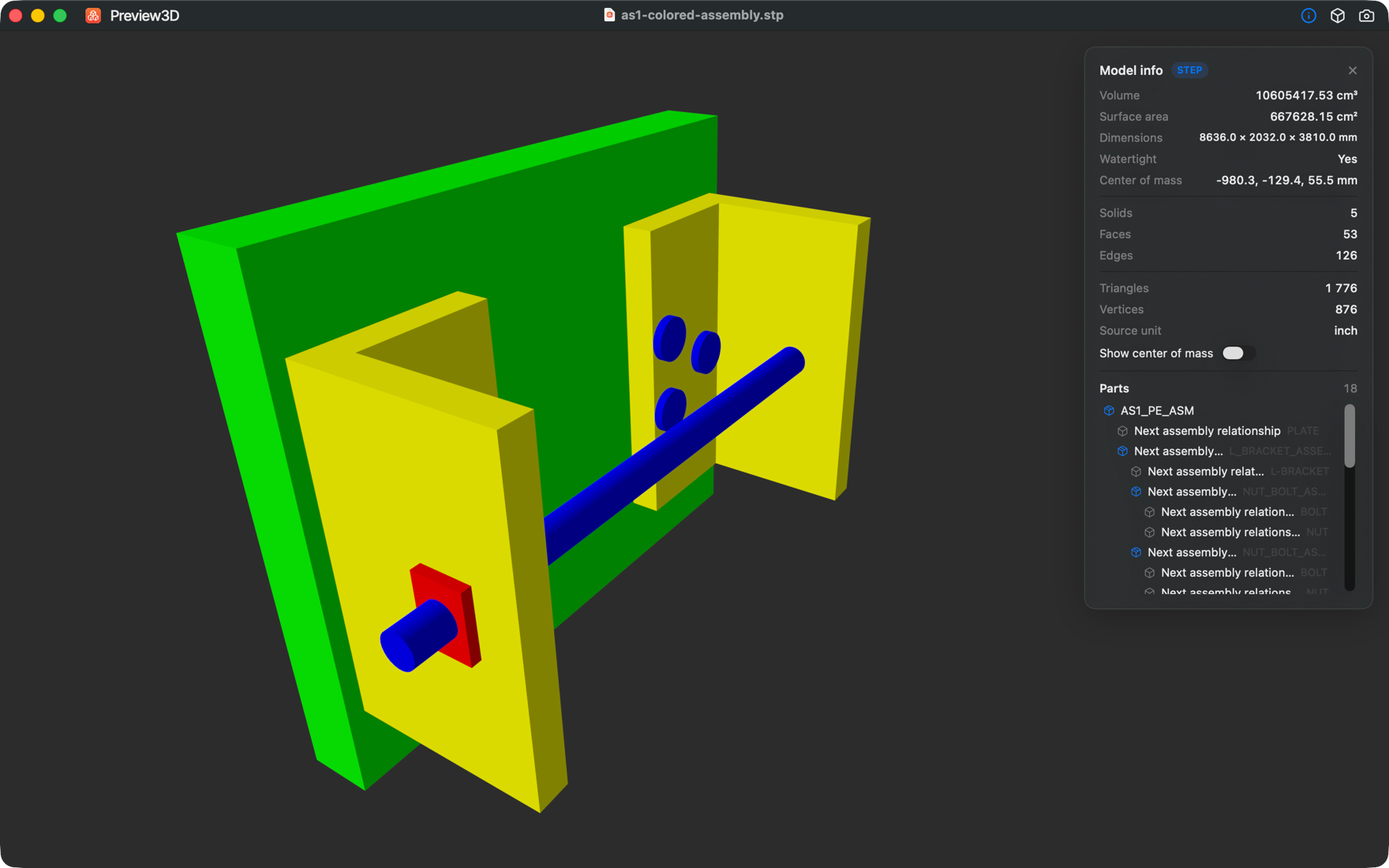
One click, exact tessellation
Open a STEP file and choose File → Export model as… → STL. Preview3D tessellates the exact B-rep with its pure-Swift kernel, so the STL is watertight and smooth — cylinders stay round, edges stay crisp — ready for your slicer or mesh tool.
STL, OBJ, GLB and USDZ
STEP converts to STL, OBJ, GLB or USDZ. USDZ is ready for AR Quick Look. Any other loaded model can be exported to STL, OBJ or PLY.
Whole model or a single part
For an assembly, click a sub-part in the tree and export just that part — no need to convert the entire assembly when you only need one component.
Local and private — nothing is uploaded
Unlike online STEP-to-STL converters, Preview3D runs entirely on your Mac and makes no network connections. Your CAD data never leaves the device.
Preview before you convert
See the model first — orbit it, check volume, surface area and dimensions, confirm it's watertight — then export with confidence.
Frequently asked questions
Is the exported STL watertight?
Yes. Preview3D tessellates the exact STEP B-rep into a watertight, smooth-shaded mesh, so the STL is ready for slicing or mesh editing.
Does it upload my STEP file to a server?
No. Conversion happens entirely on your Mac — the app makes no network connections, so your CAD data stays private.
Can I convert only one part of an assembly?
Yes. Click a sub-part in the assembly tree and export just that part to STL, OBJ or PLY.
What other formats can it export?
STEP converts to STL, OBJ, GLB or USDZ; any loaded model can export to STL, OBJ or PLY. You can also save PNG snapshots at 1×, 2× or 4×.
How much does it cost?
Preview3D is a one-time $9.99 purchase on the Mac App Store — no subscription. Requires macOS 14 or later, Apple silicon.
Ready to open your files?
Native, offline, one-time purchase. macOS 14+, Apple silicon.
Get Preview3D — $9.99