Preview any
3D model.
Preview3D is a fast, native viewer for STEP, STL, OBJ, glTF, 3MF and more — on Mac, iPad, iPhone and Vision Pro. Quick Look thumbnails, painted multi-material 3MF, PMI/GD&T inspection, one-click conversion, and AR on iPad.
$9.99 · one-time · macOS 14+ · iPadOS 17+ · iOS 17+ · visionOS 2+
“I mostly wanted this for one thing: seeing what's inside a STEP file without opening a full CAD app. Preview3D does exactly that — Quick Look works, the thumbnails show up in Finder, and it's fast. … No cloud upload, no clutter. Very happy with it.”Flange model · KittyCAD
From CAD to mesh to print — all in one window.
Built for engineers, makers and 3D printing.
A focused viewer that does the slow, painful parts well — CAD tessellation, Finder previews, and conversion — without the bloat.
Wireframe & edges
Shaded, shaded with its edges, or a hidden-line wireframe. The edges of a STEP file are the real ones its CAD system drew, not the boundaries of triangles — and a mesh gets its crease lines instead, so an STL still reads as the shape it is.
Real STEP support
Reads STEP / STP via StepKit, a pure-Swift B-rep kernel — watertight tessellation with crease-aware normals, straight from the exact geometry, and per-part STEP colors.
Quick Look & thumbnails
Spacebar-preview and Finder thumbnails for every supported format — including STEP, painted 3MF, FBX and 3DS that macOS can't render on its own.
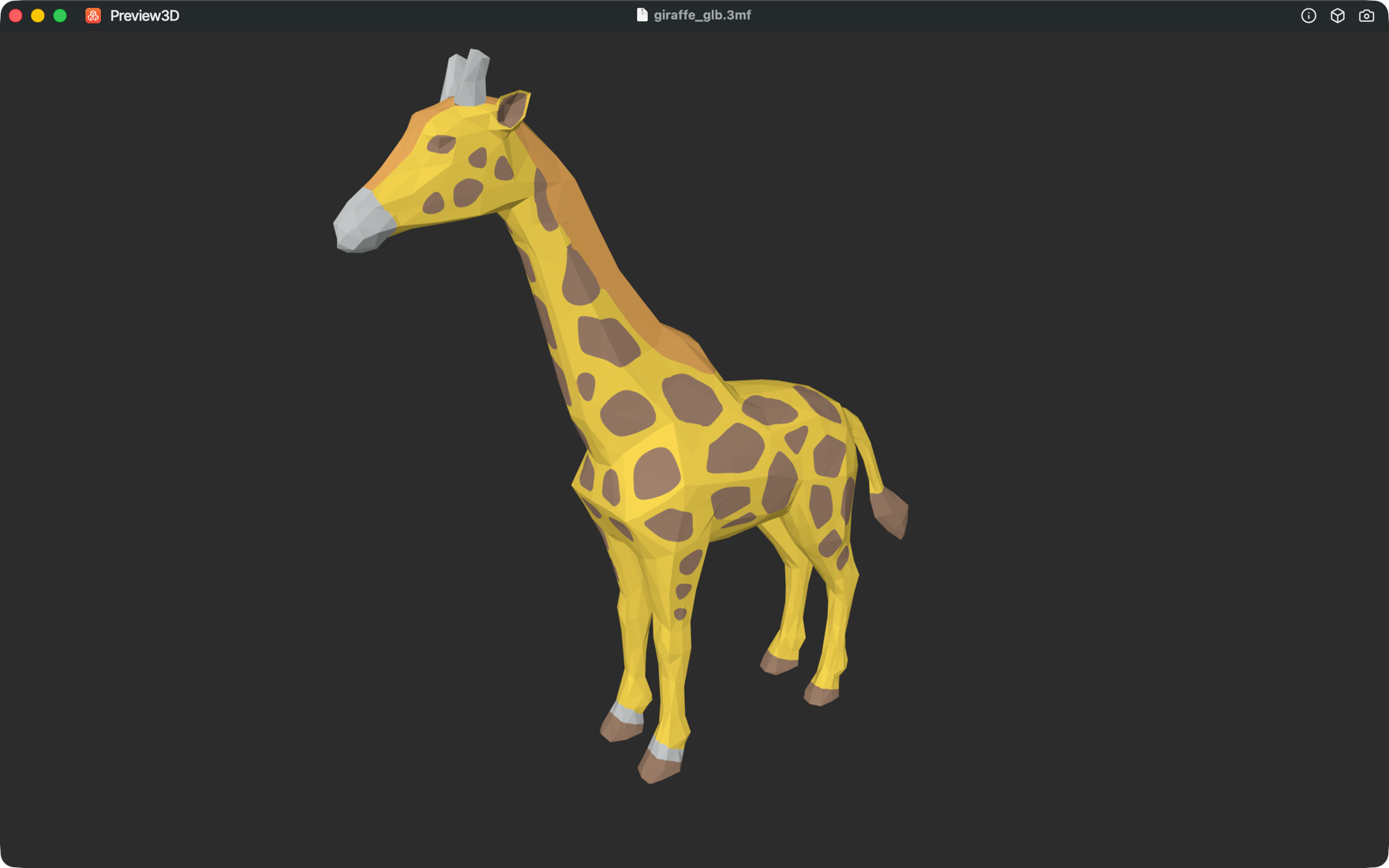
Painted multi-material 3MF
Renders PrusaSlicer multi-material painting (mmu_segmentation) in its filament colors — including fine sub-facet brush detail.
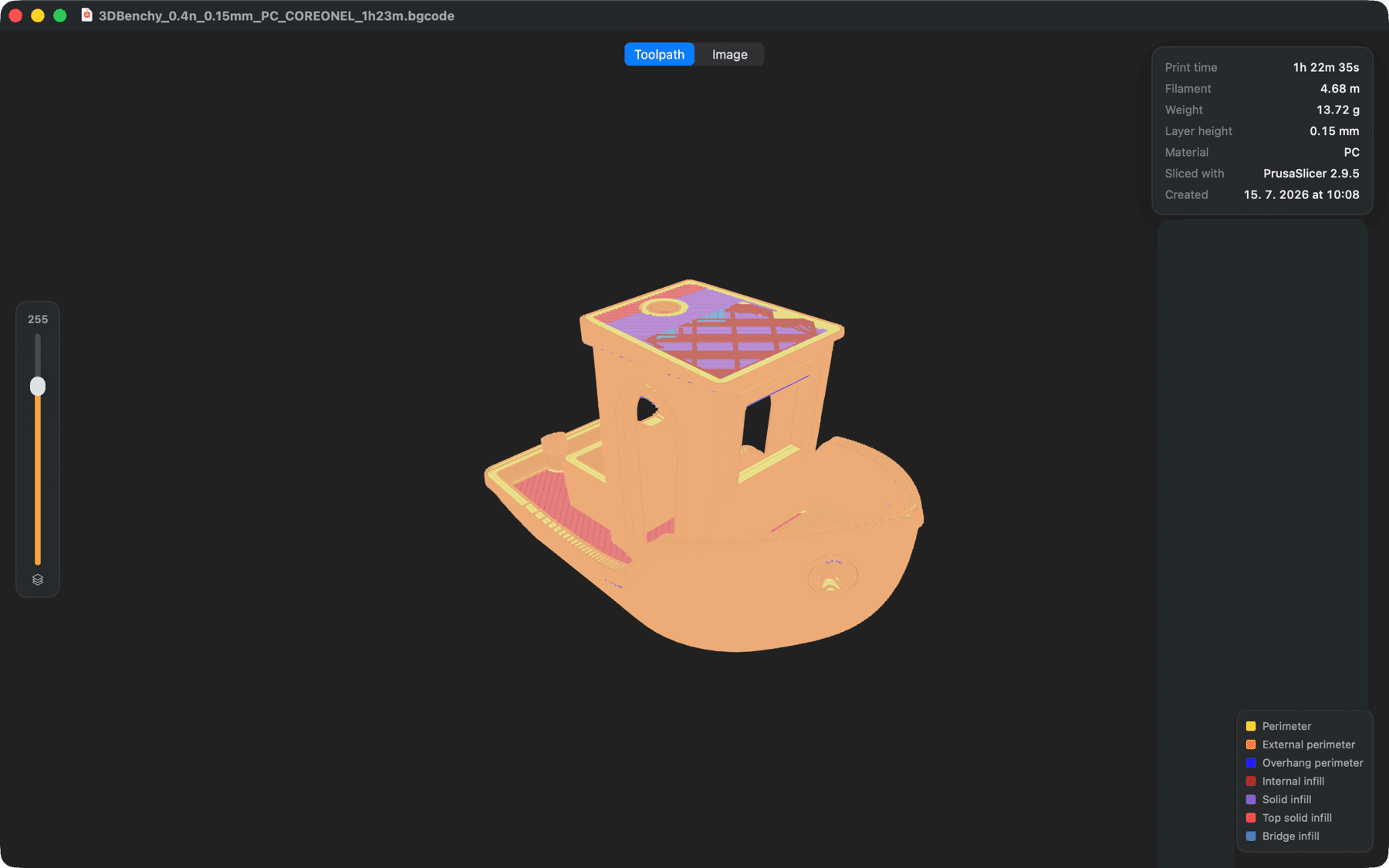
G-code toolpath
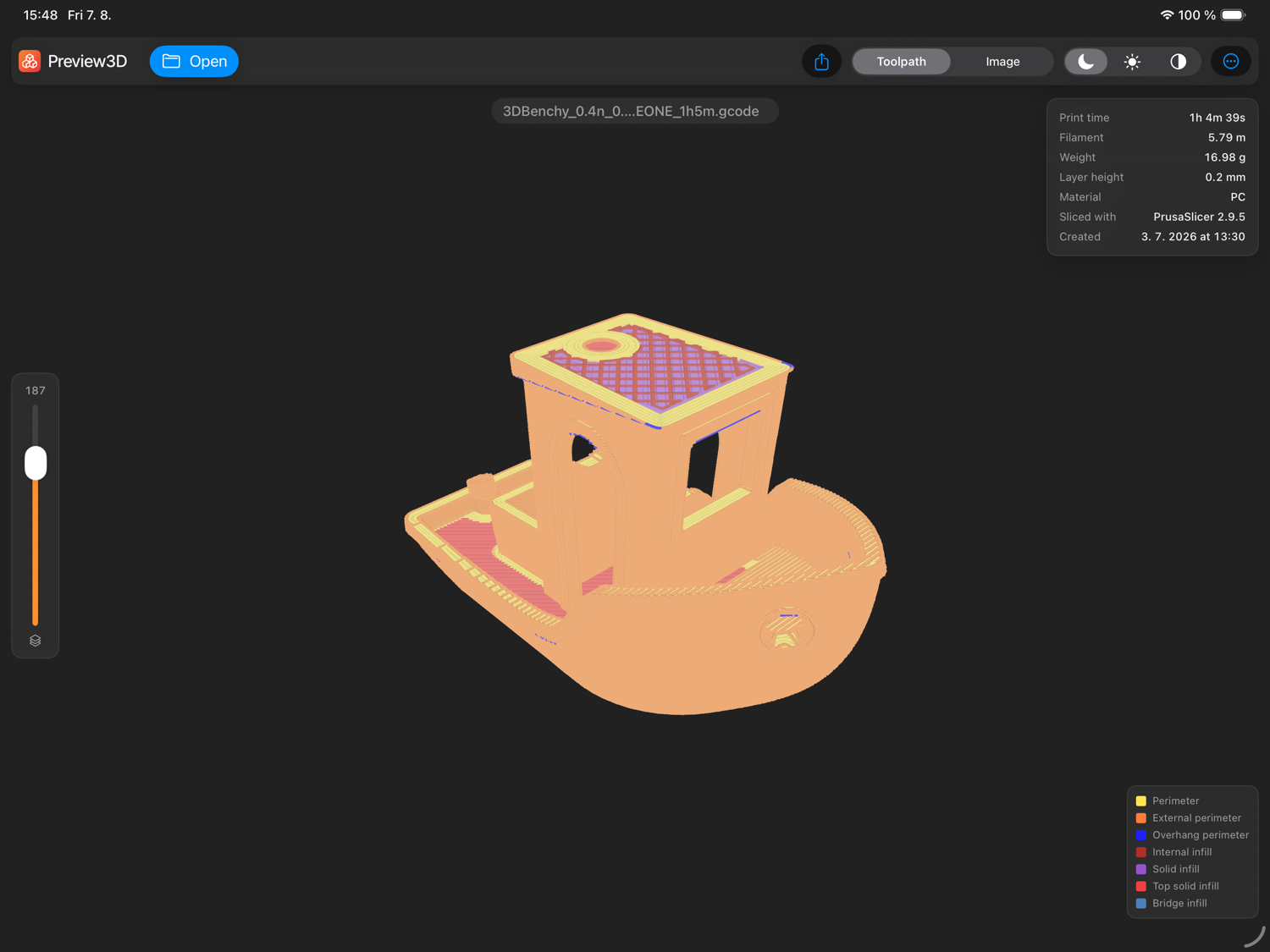
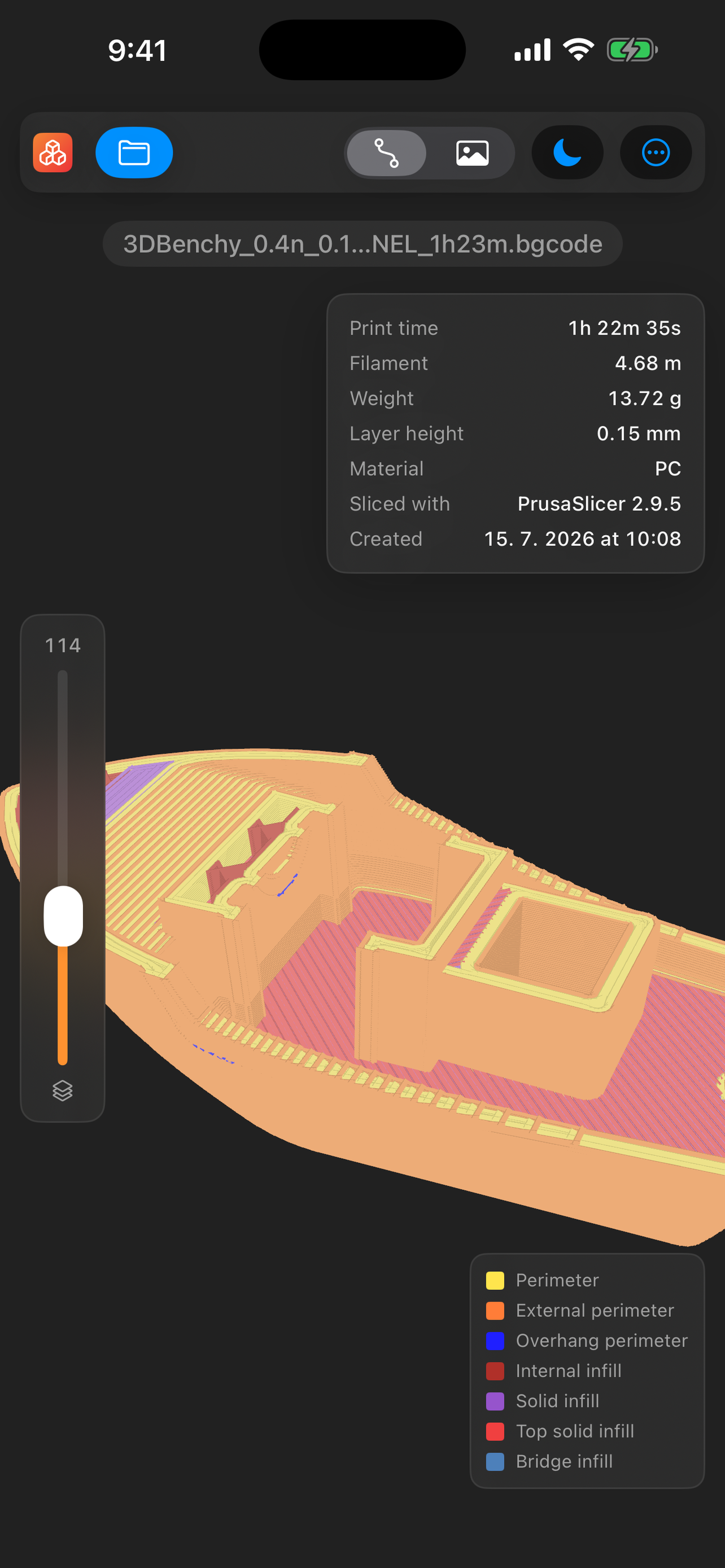
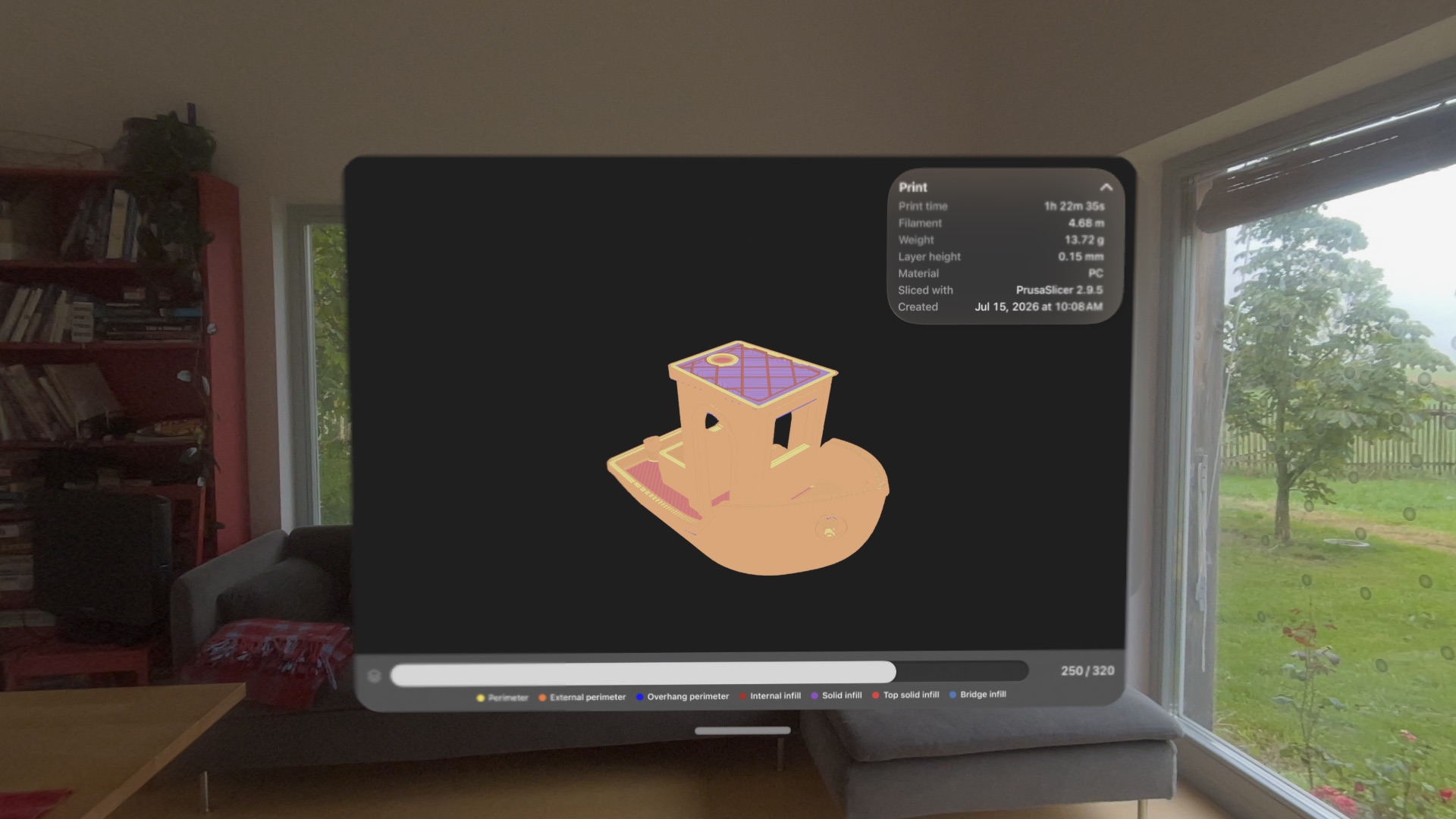
Open .gcode and .bgcode from PrusaSlicer, OrcaSlicer, Cura or Bambu Studio — the toolpath in the slicer's own colours, a layer slider, and the print stats.
Inspect & measure
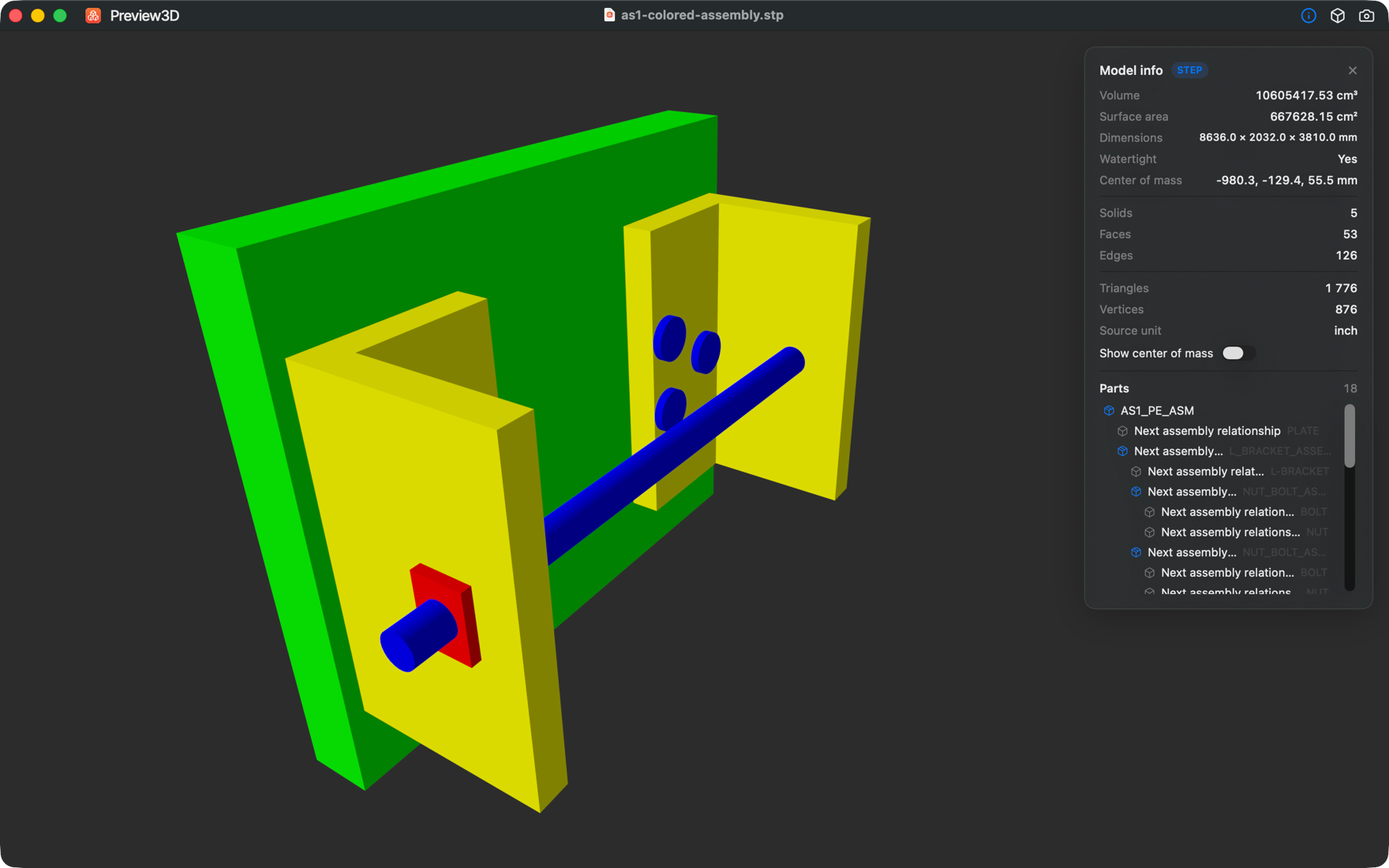
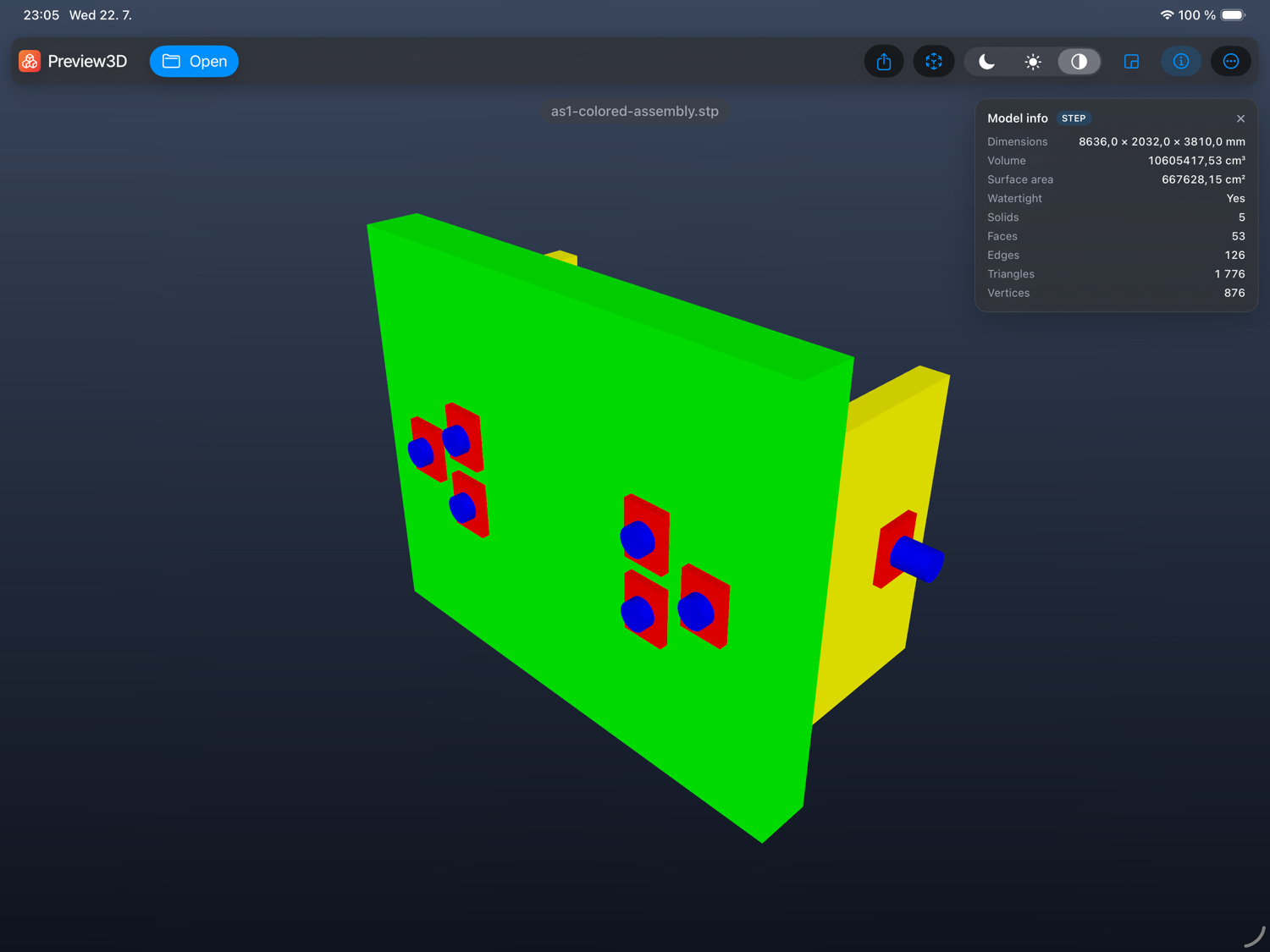
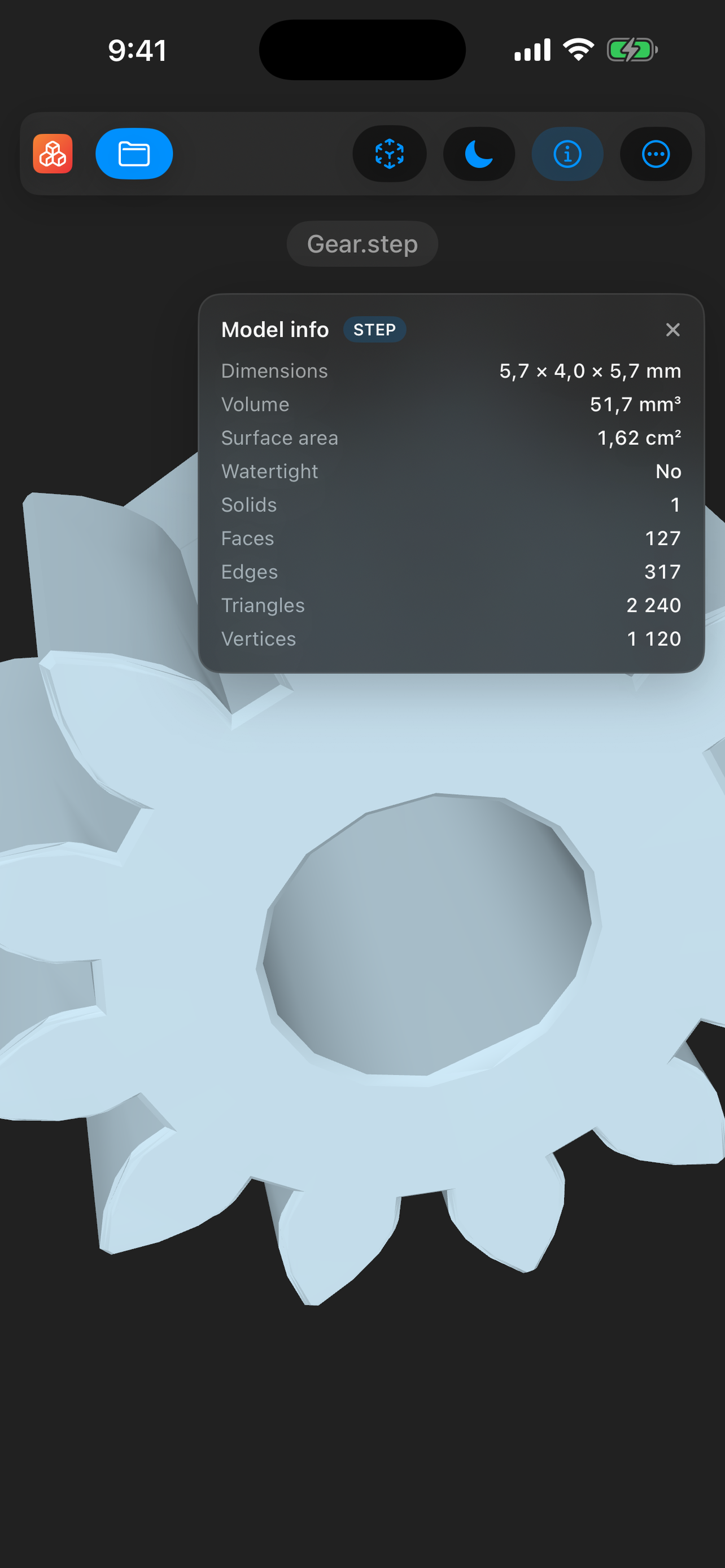
An info panel with volume, surface area, centre of mass, watertightness, dimensions and B-rep structure — plus an instanced assembly tree, where clicking a sub-part highlights and isolates it.
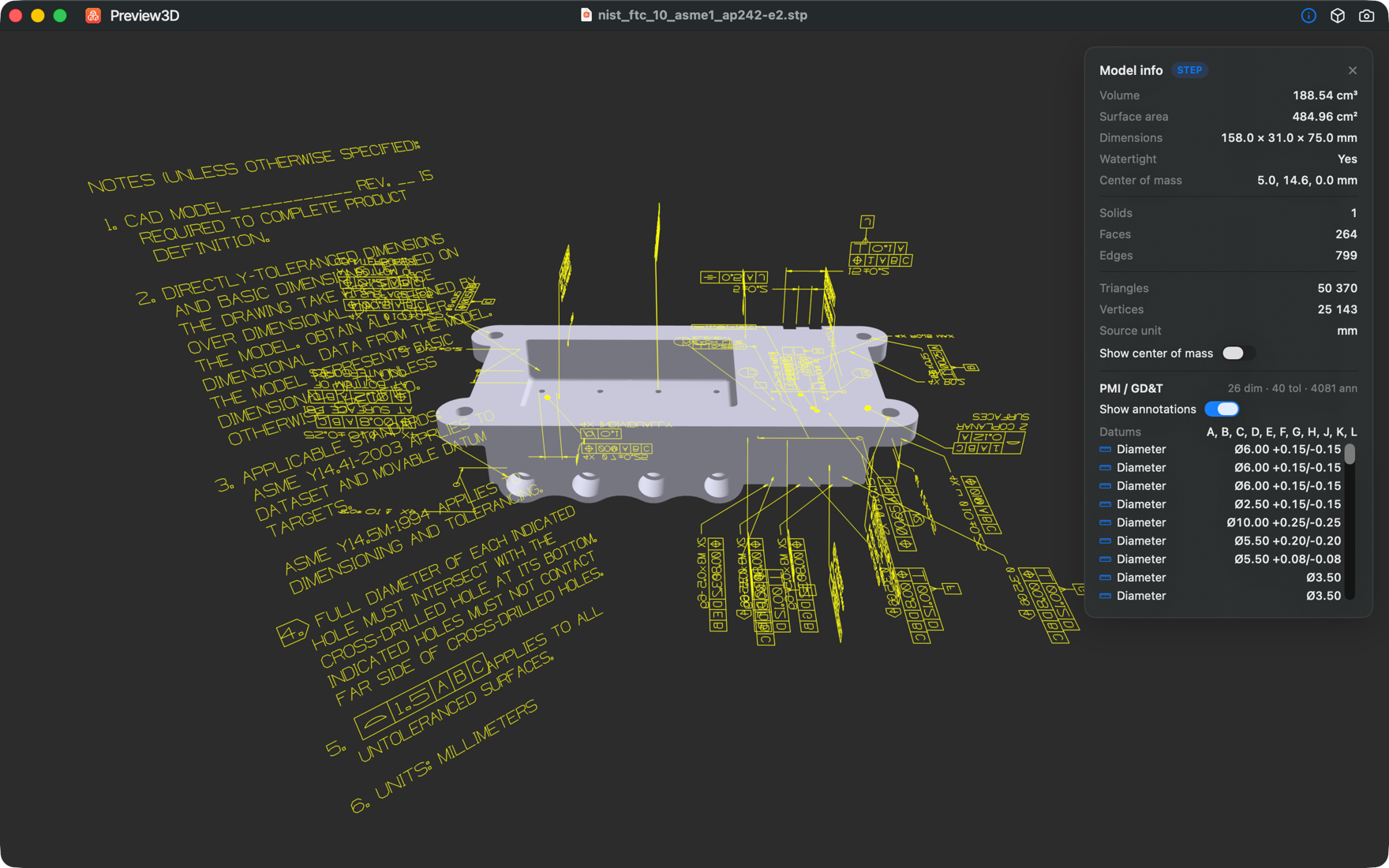
PMI & GD&T
Read the manufacturing intent in a STEP file (AP242): dimensions with ± tolerances, geometric tolerances and datums — listed in the panel, with the graphical annotations drawn over the model.
One-click convert
Turn STEP into STL / OBJ / GLB / USDZ, or any loaded scene into STL / OBJ / PLY — whole model or a single selected sub-part.
Snapshots & export
Save a PNG of the current view at 1×, 2× or 4× — for docs, listings, or print-prep — with the same look you see on screen.
Painted prints, in full color.
PrusaSlicer stores multi-material painting as per-triangle segmentation that nothing else on macOS can preview. Preview3D decodes it — palette and all — so you see the finished multi-color print before it leaves the slicer.
- Reads
mmu_segmentation+ the filament palette - Sub-facet brush detail, not just per-face color
- Works in the window, Quick Look and thumbnails
See inside the print, before it prints.
Open a .gcode or .bgcode straight from the slicer and the toolpath is drawn the way the slicer draws it — coloured by what it's printing, with a legend to match. Extrusions get their real width, so it reads as laid-down plastic rather than wireframe. Drag the layer slider to cut the print open at any height.
- Colour-coded by feature: perimeters, infill, bridges, supports
- Layer slider peels the print open at any height
- Print time, filament, weight and material, read from the header
Strap-hinge model · KittyCAD
Convert, don't re-export.
Open a STEP from a vendor, export it as STL for the slicer, GLB for the web or USDZ for AR — without round-tripping through heavyweight CAD. STEP conversions use Preview3D's exact B-rep tessellation; everything else goes through Apple's Model I/O.
- STEP → STL / OBJ / GLB / USDZ
- Any scene → STL / OBJ / PLY
- Watertight, high-quality meshes
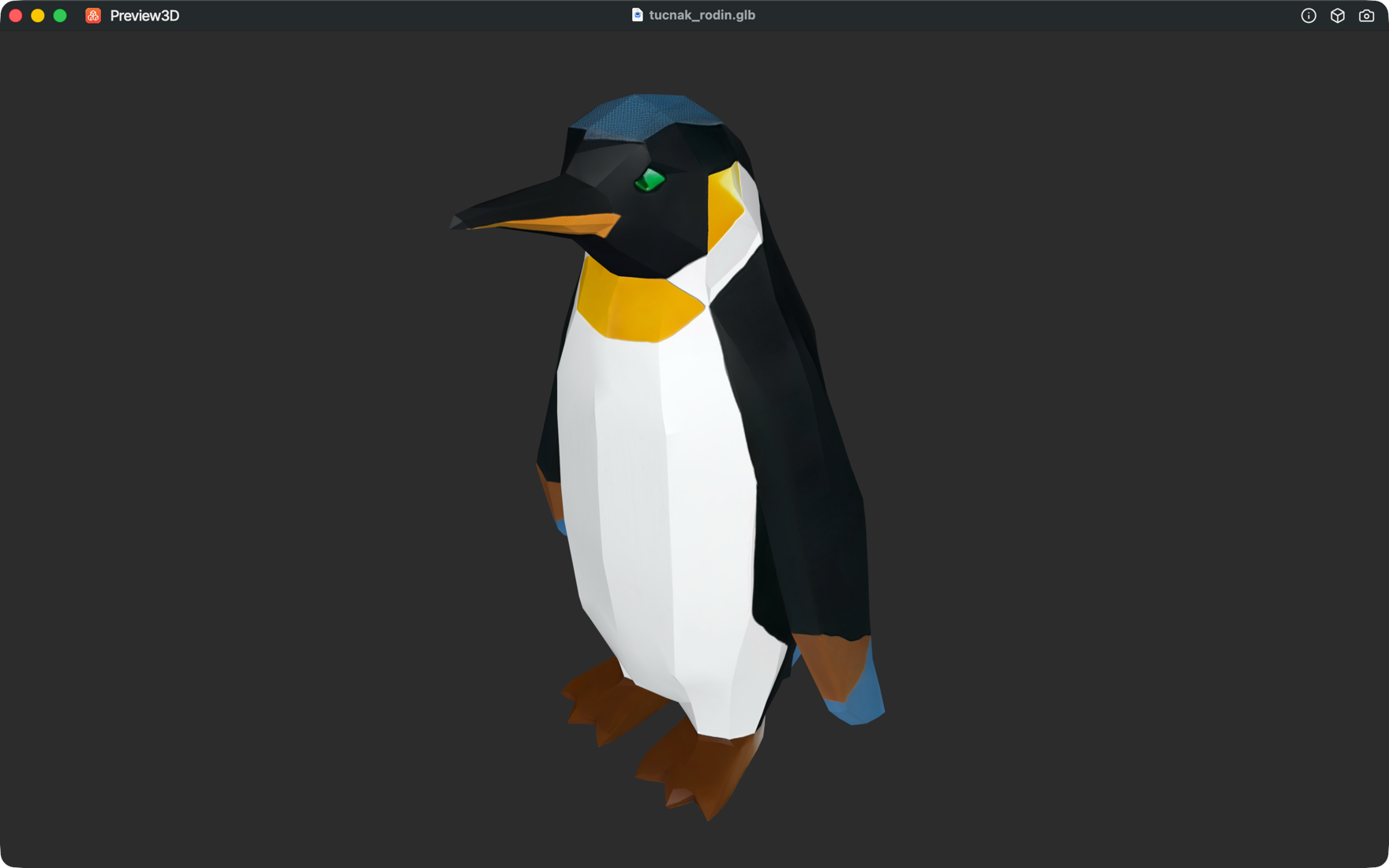
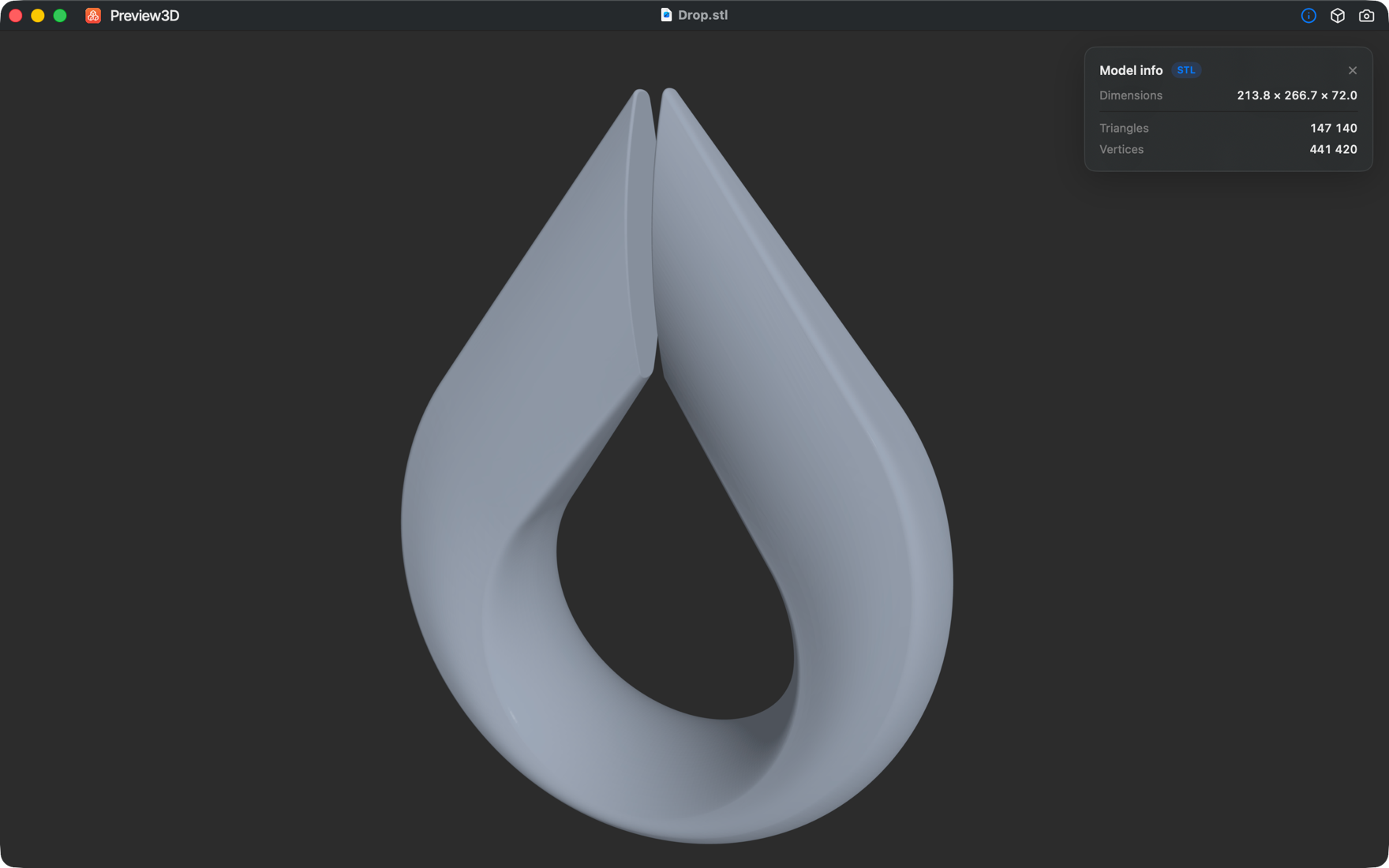
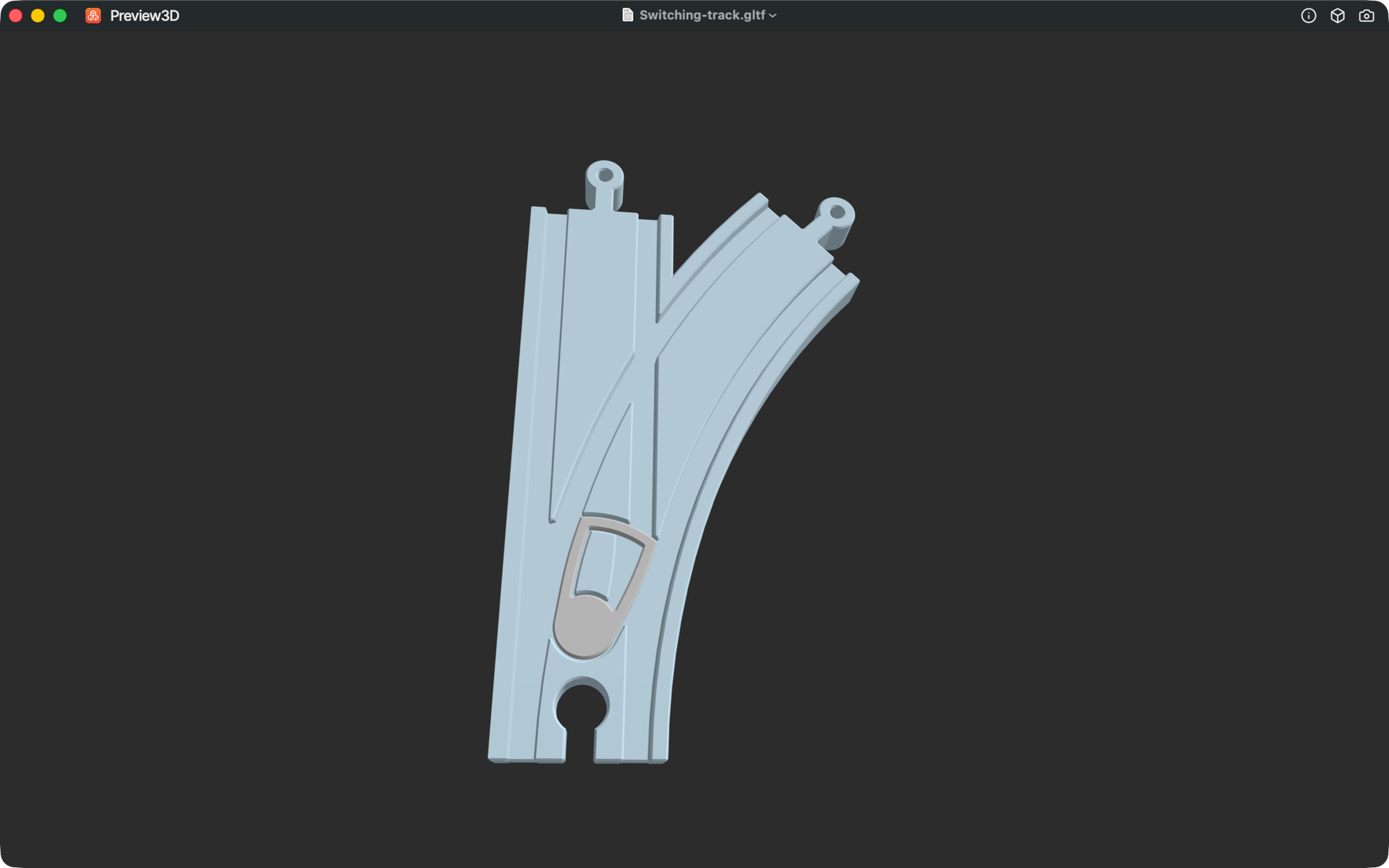
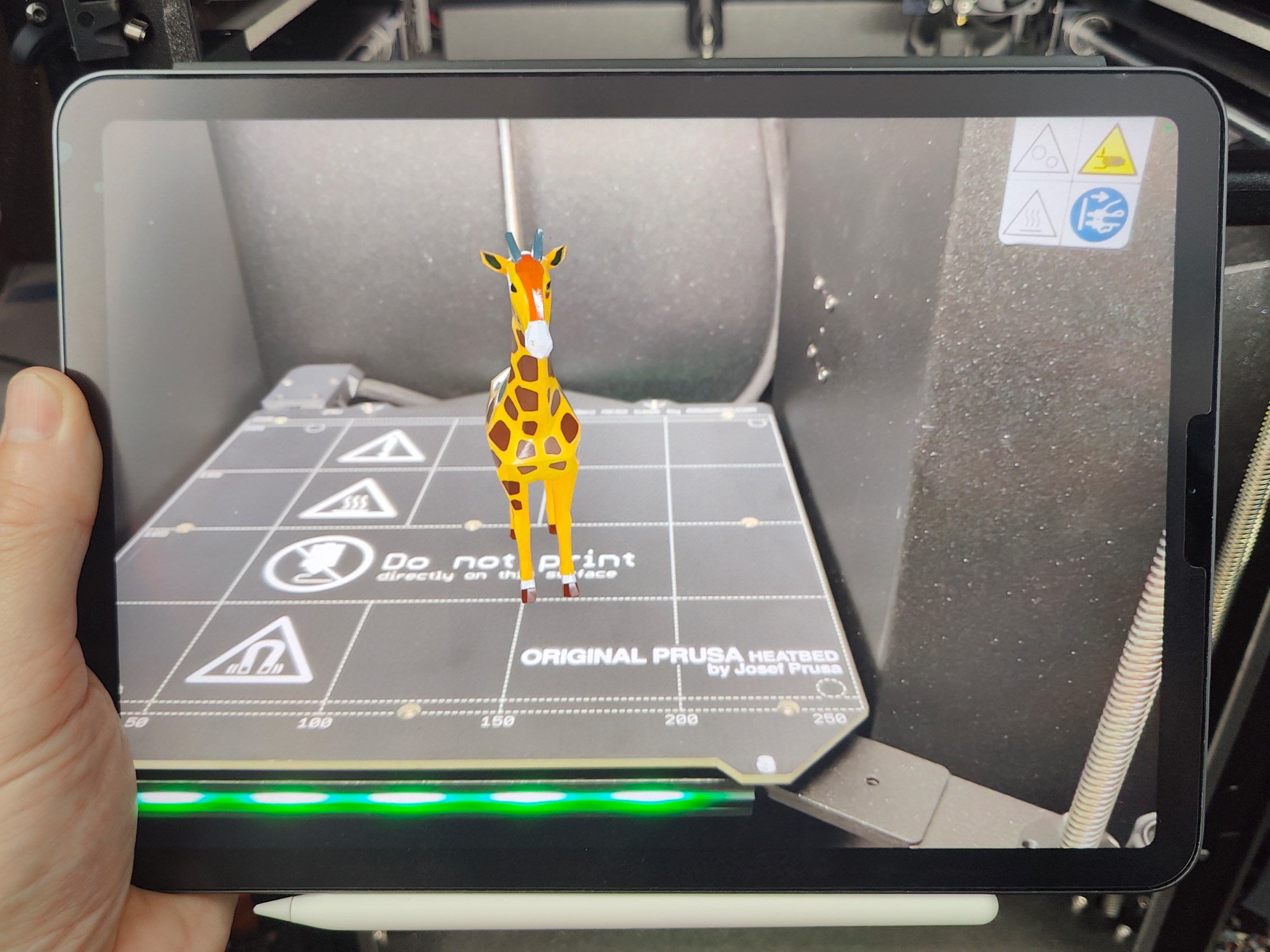
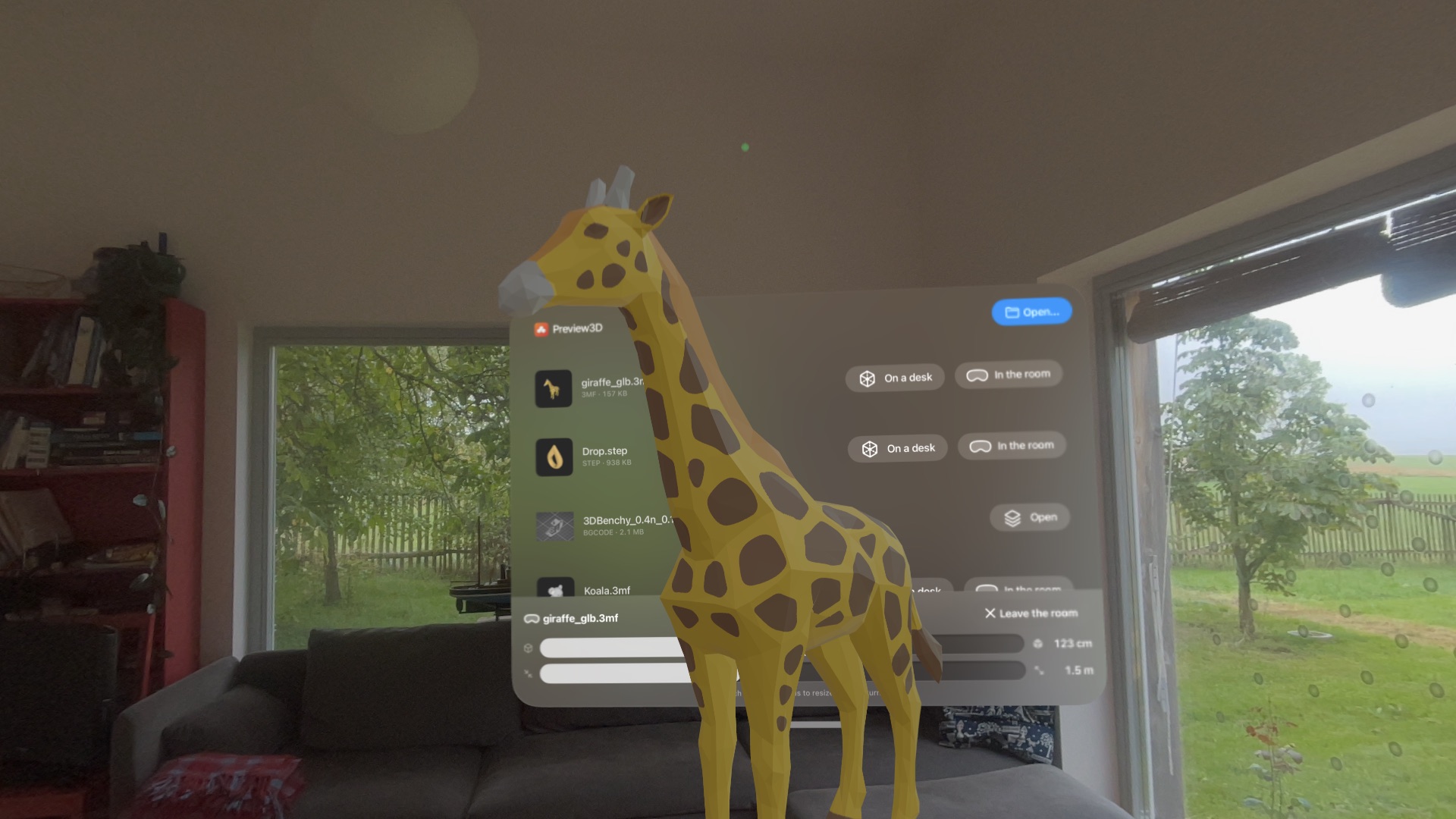
The actual app, on Mac, iPad, iPhone and Vision Pro.
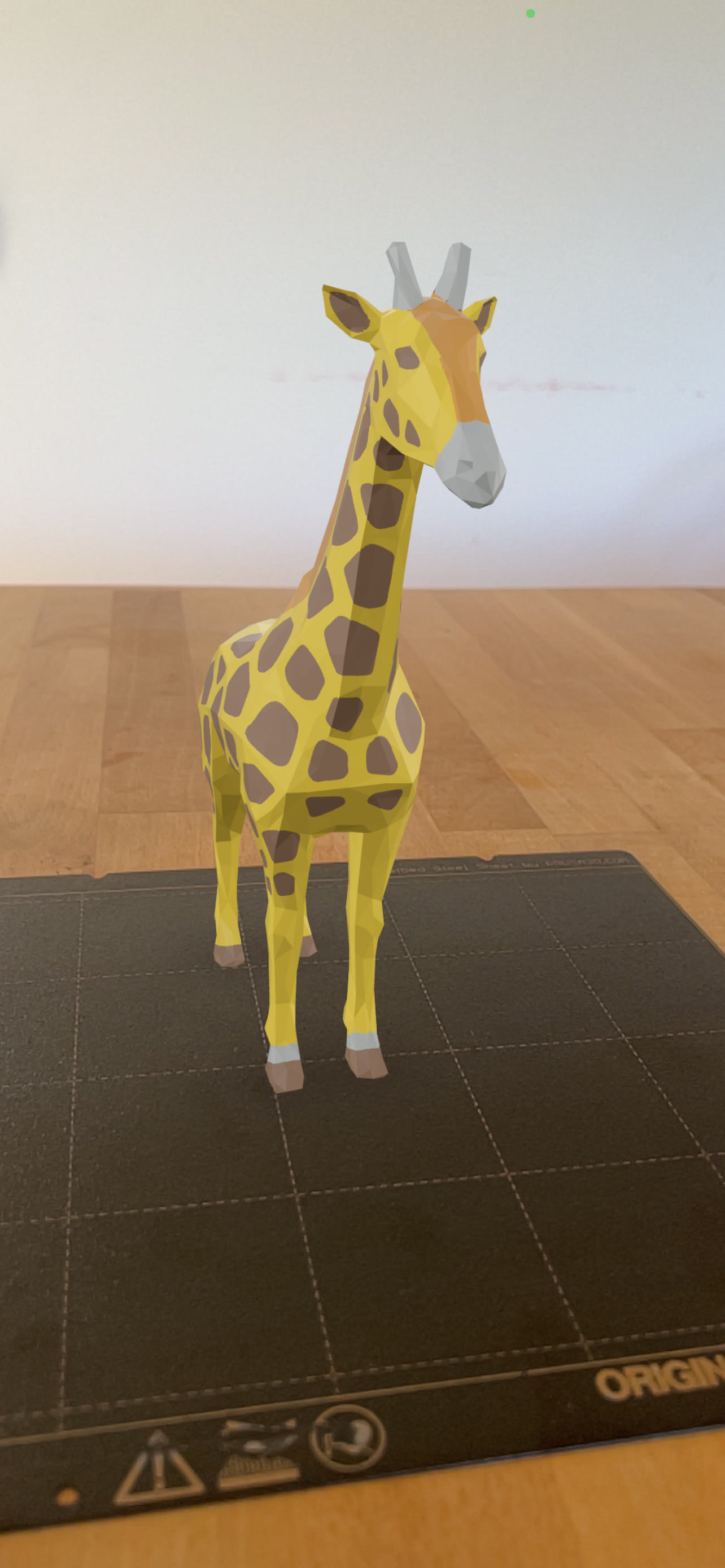
Real windows — colors, measurements, the assembly tree, the PMI overlay, print toolpaths, and a model placed in the room with AR.
One app. One price.
One purchase for Mac, iPad, iPhone and Vision Pro. No subscription.
App Store · macOS 14 Sonoma or later · iPadOS 17 or later · iOS 17 or later · visionOS 2 or later.
- STEP, STL, OBJ, PLY, glTF/GLB, DAE, 3MF & more
- Quick Look previews & Finder thumbnails
- Painted multi-material 3MF in full color
- PMI / GD&T inspection (AP242) · Mac
- One-click convert to STL / OBJ / GLB / USDZ / PLY · Mac
- PNG snapshots at 1× / 2× / 4×
- Free updates
- Universal purchase — buy once for Mac, iPad, iPhone & Vision Pro