3MF viewer for Mac — in full color
Open 3MF files on macOS, including painted multi-material prints from PrusaSlicer, rendered in their real filament colors — the finished print, before it leaves the slicer.
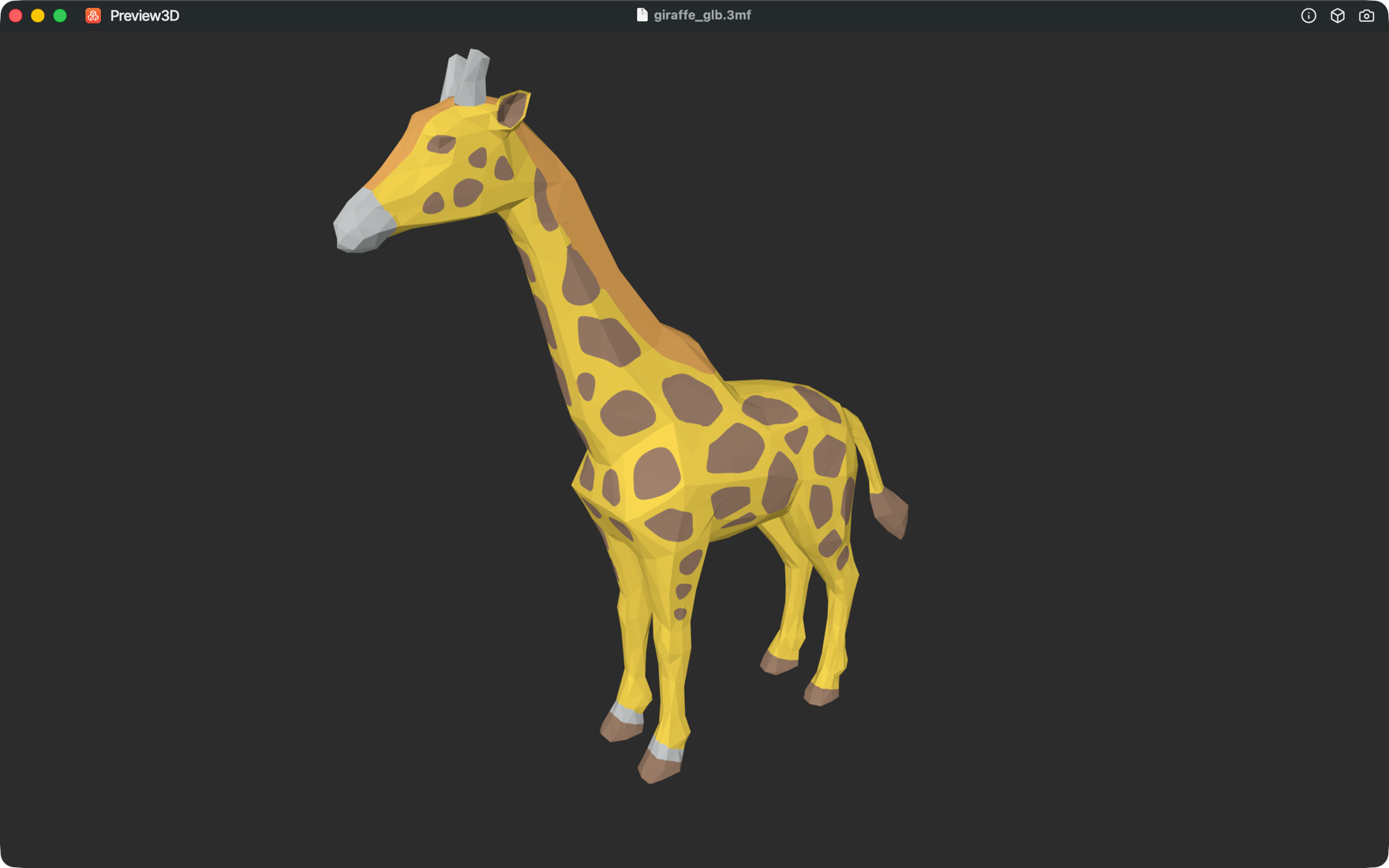
Painted multi-material, decoded
PrusaSlicer stores per-triangle multi-material painting as mmu_segmentation data. Preview3D decodes it and renders the model in its filament colors — including fine sub-facet brush detail — so you see a true preview of a multi-color print.
Quick Look and thumbnails for 3MF
Press the spacebar in Finder for a 3D Quick Look preview of any 3MF, and get 3D thumbnails in icon and gallery views — including painted 3MF that macOS can't render on its own.
Measure and inspect
Open the info panel for bounding-box dimensions and triangle/vertex counts, orbit the model, and save a PNG snapshot for a listing or build note.
Convert 3MF to STL, OBJ or PLY
Need a plain mesh? Export any loaded 3MF to STL, OBJ or PLY with one click, locally on your Mac.
Frequently asked questions
Does it show painted multi-material colors?
Yes. Preview3D decodes PrusaSlicer's per-triangle mmu_segmentation painting and renders the model in its filament colors, including sub-facet detail.
Which slicers' 3MF does it support?
It renders standard 3MF from any source, and specifically decodes PrusaSlicer multi-material painting for full-color preview.
Can I Quick Look a 3MF in Finder?
Yes. Preview3D adds Quick Look previews and 3D Finder thumbnails for 3MF, which macOS does not provide on its own.
Can I convert 3MF to STL?
Yes — export any loaded 3MF to STL, OBJ or PLY with one click.
How much is it?
A one-time $9.99 purchase on the Mac App Store. Requires macOS 14 or later, Apple silicon.
Ready to open your files?
Native, offline, one-time purchase. macOS 14+, Apple silicon.
Get Preview3D — $9.99